

Want to build your own Python meme generator?
In this guide, you’ll learn how to create memes using Python and Pillow (PIL), including how to add text to images and automate meme creation.
We’ll also show how to turn this into an SEO meme generator for fun use cases.
Why Use a Python Meme Generator (SEO Use Case)
Let’s be honest – SEO is full of memes. Some are true. Most are hilarious because they’re true. Ranking factors change more than fashion trends. One week you get traffic from a trending keyword… next week that same phrase is as dead as keyword stuffing.
Why not use this reality and automate meme creation? Memes engage people. They travel. They share your brand or insight better than most blog posts. And yes, you can make the process fun, technical, and interactive – with Python.
What’s the Plan?
- Fetch trending SEO keywords (using Google Trends or other APIs)
- Combine these keywords with meme templates (text/image pairs)
- Use Python to generate meme images
- Drop them on your blog/social/X thread
- Receive claps, comments, and (hopefully) a few laughs
Libraries You Need for a Python Meme Generator
- Pillow (PIL) – for image editing
- Requests – to fetch templates
- pytrends (optional) – for trending ideas
- os / random – for automation
Why Use a Python Meme Generator (SEO Use Case)
The most common way to build a Python meme generator is using the Pillow (PIL) library.
It allows you to add text to images, customize fonts, and automate meme creation easily.
Step 1: Set Up Your Python Playground
You need:
- Python 3 (if you don’t have it, I genuinely question your commitment)
- Pillow (for image generation)
- Requests (for fetching keywords)
- Optionally: Google Trends API wrapper (pytrends), for getting trending topics
pip install pillow requests pytrends
Step 2: Fetch Trending SEO Keywords
Let’s keep it actionable – here’s some real code, no hand-waving.
from pytrends.request import TrendReq

def get_trending_keywords():
    pytrends = TrendReq(hl='en-US', tz=330)
    pytrends.build_payload(['SEO'], cat=0, timeframe='now 1-d', geo='', gprop='')
    trends = pytrends.related_queries()
    return trends['SEO']['top']['query'].tolist() if 'SEO' in trends else []
This function gets you today’s trending queries related to “SEO”. Repeat if you want
Step 3: Collect Meme Templates
Let your memes reflect reality. Start with raw, clear one-liners – don’t sanitize them.
Meme Templates You Can Use Right Now
- Drake meme template
- Distracted boyfriend meme
- Expanding brain meme
- Toxic meme template
MEME_TEMPLATES = [
    "When Google drops a new ranking factor and your traffic vanishes: {}",
    "SEO 'experts' after one day of trending keyword research: {}",
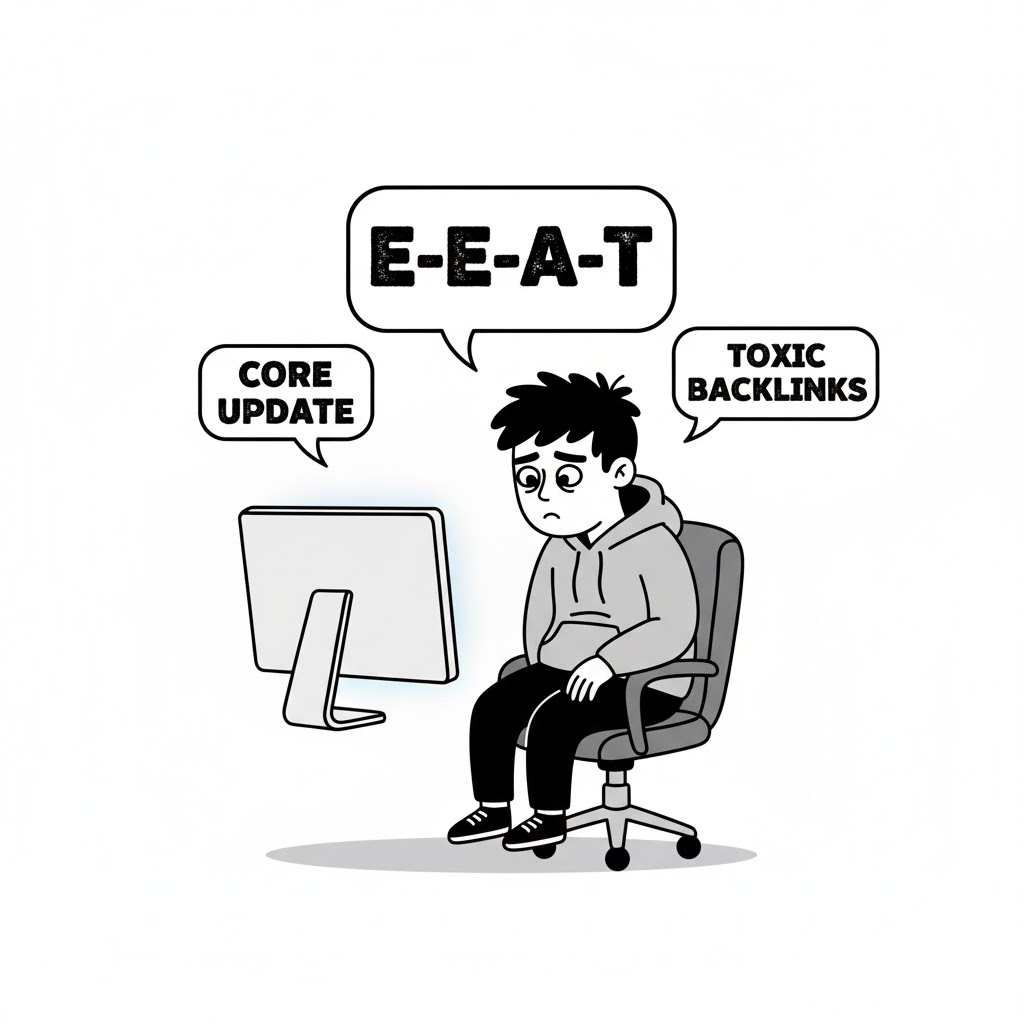
    "Trying to explain E-E-A-T to your clients: {}",
    "Realizing your competitor just outranked you for {}",
]
Step 4: Generate Meme Images with Pillow
Here’s the expressive code block. Short sentences. No fluff. This is how I build it.
from PIL import Image, ImageDraw, ImageFont

def generate_meme_image(text, filename):
    width, height = 800, 400
    img = Image.new('RGB', (width, height), color='white')
    draw = ImageDraw.Draw(img)
    font = ImageFont.truetype("arial.ttf", 32)
    # Center text
    lines = text.split('\n')
    y_offset = 100
    for line in lines:
        w, h = draw.textsize(line, font=font)
        draw.text(((width-w)/2, y_offset), line, fill='black', font=font)
        y_offset += h + 10
    img.save(filename)
You need a local “arial.ttf” or another font. Adjust as needed. I keep mine in the project folder so it always works.
Step 5: Glue It Together
Let’s not play around – here’s how you generate memes from the freshest keywords.
def main():
    keywords = get_trending_keywords()
    for i, keyword in enumerate(keywords[:4]):  # 4 memes for demo
        template = MEME_TEMPLATES[i % len(MEME_TEMPLATES)]
        text = template.format(keyword)
        filename = f'meme_{i+1}.png'
        generate_meme_image(text, filename)
        print(f'Created meme: {filename}')

if __name__ == "__main__":
    main()
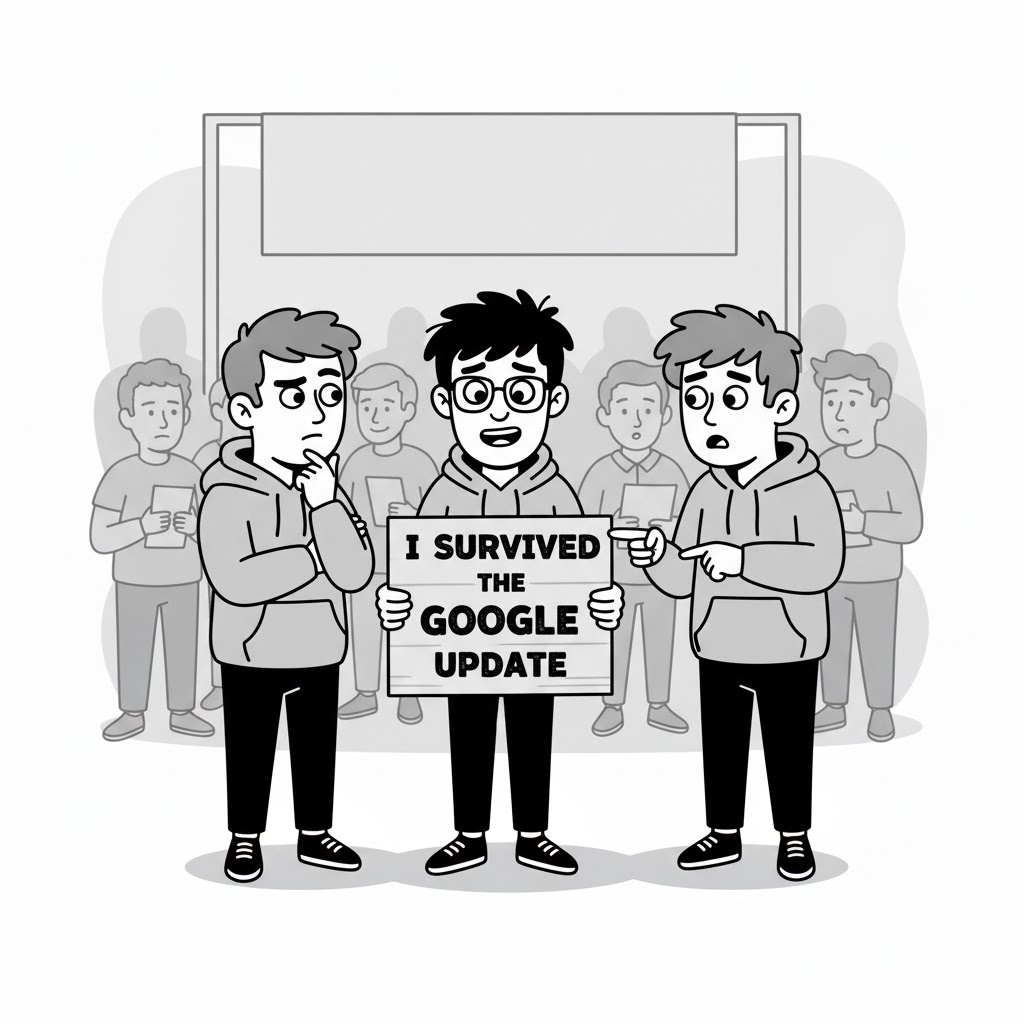
Run this script. Check your folder. You’ll have four custom SEO memes, ready to post
Real Talk: What Actually Matters
This whole guide comes down to this – personalization wins. You can automate content, but if it’s not real, no one connects. I use actual trending data, honest memes (not sanitized garbage), and images that reflect my personality. That’s how memes go viral in SEO circles.
Images Credit
All images were created by Google Gemini using prompts designed by Perplexity Pro LLM.
What I Learned (and what you probably will, too):
Automating memes isn’t hard, but making them funny and contextual is an art.
SEO’s always changing, so freshness in keywords and ideas is key.
Python gives you freedom to adapt, remix, and scale any idea – even meme madness.
Final Thoughts
Break rules.
Say what matters.
Use code and creativity.
Let memes do the telling.
Conclusion
Follow me on Medium, X, and LinkedIn for more practical guides and deep dives into Python, AI, and SEO. I share fresh tips every week that can save you time and boost your results.
Got questions or ideas? Drop a comment – I love hearing from readers and sharing insights.
And don’t forget to share this post with your network if you think it’ll help them too!
FAQs: Python Meme Generator
How do I make a meme generator in Python?
Use the Pillow library to load images, add text, and export meme images programmatically.
What Python library is used to create memes?
The most common library is Pillow (PIL) for image processing.
Can Python automate meme creation?
Yes, you can combine Pillow with APIs or scripts to generate memes automatically at scale.
How to add text to an image in Python?
Using Pillow’s ImageDraw and ImageFont modules.
